
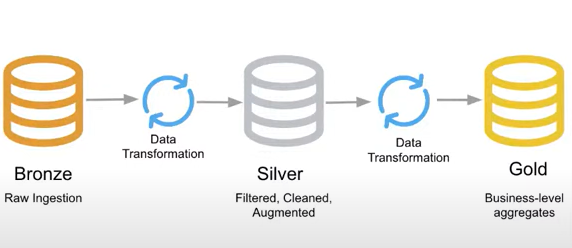
Malaria Data Analysis Project in Azure Data Factory
Build a malaria data analysis pipeline in Azure Data Factory—from raw Blob data to clean, analytics-ready insights in Azure Data Lake.
Azure Data Factory (ADF) is a cloud based data integration service that enables you to create, schedule, and orchestrate data pipelines to move and transform data across on-premises and cloud systems.
Build a malaria data analysis pipeline in Azure Data Factory—from raw Blob data to clean, analytics-ready insights in Azure Data Lake.
Learn how to set up a Self-Hosted Integration Runtime in Azure Data Factory with a simple, step-by-step guide. This article walks you through creating the IR in ADF, installing the runtime on your machine, and verifying a secure on-premises connection.
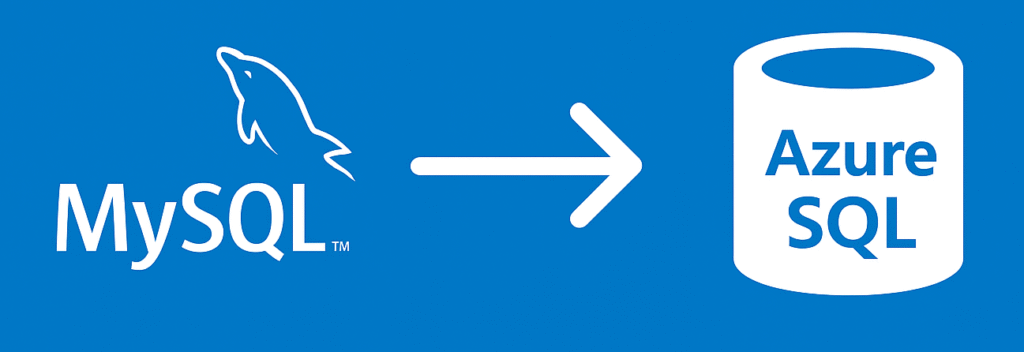
Copy data from MySQL to Azure SQL using Azure Data Factory with auto table creation — a quick, no-code way to migrate your data seamlessly.
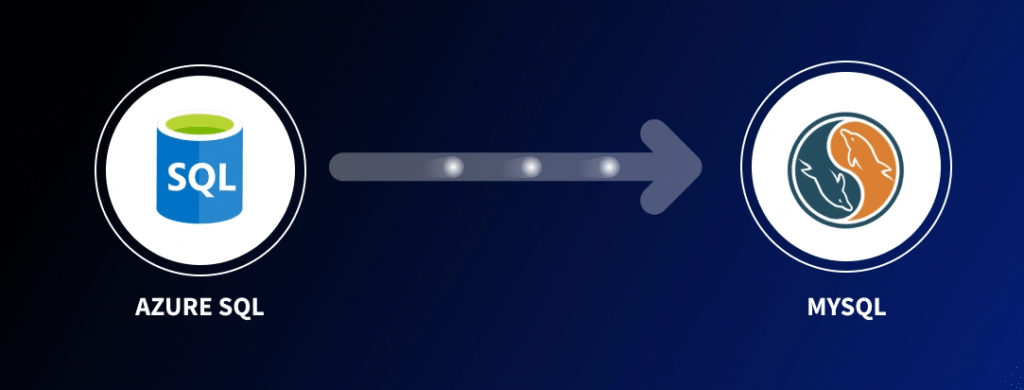
Learn how to copy and transform data from Azure SQL to MySQL using Azure Data Factory. Discover how to set up connections, create datasets, and apply in-source SQL transformations for seamless cloud data integration.
Learn how to create and configure a MySQL database in Azure Data Factory step-by-step. This guide covers setting up the MySQL instance, connecting it through Linked Services, and preparing your database for seamless data pipelines in the Azure cloud.
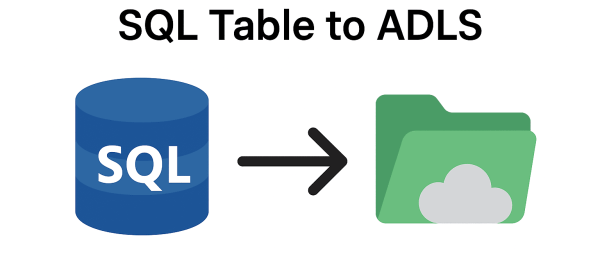
Learn how to efficiently copy data from a SQL table to Azure Data Lake Storage Gen2 using Azure Data Factory. Step-by-step guide for seamless ETL integration and data pipeline setup.
Learn how to create an Azure Data Lake Storage Gen2 (ADLS Gen2) account and prepare it for integration with Azure Data Factory.
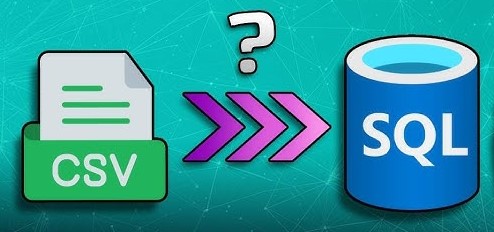
Azure Data Factory (ADF) makes it easy to copy data from a CSV file in Blob Storage to a table in Azure SQL Database.
Learn how to create a SQL table and set up a linked service in Azure Data Factory, enabling seamless data integration and workflow automation.