
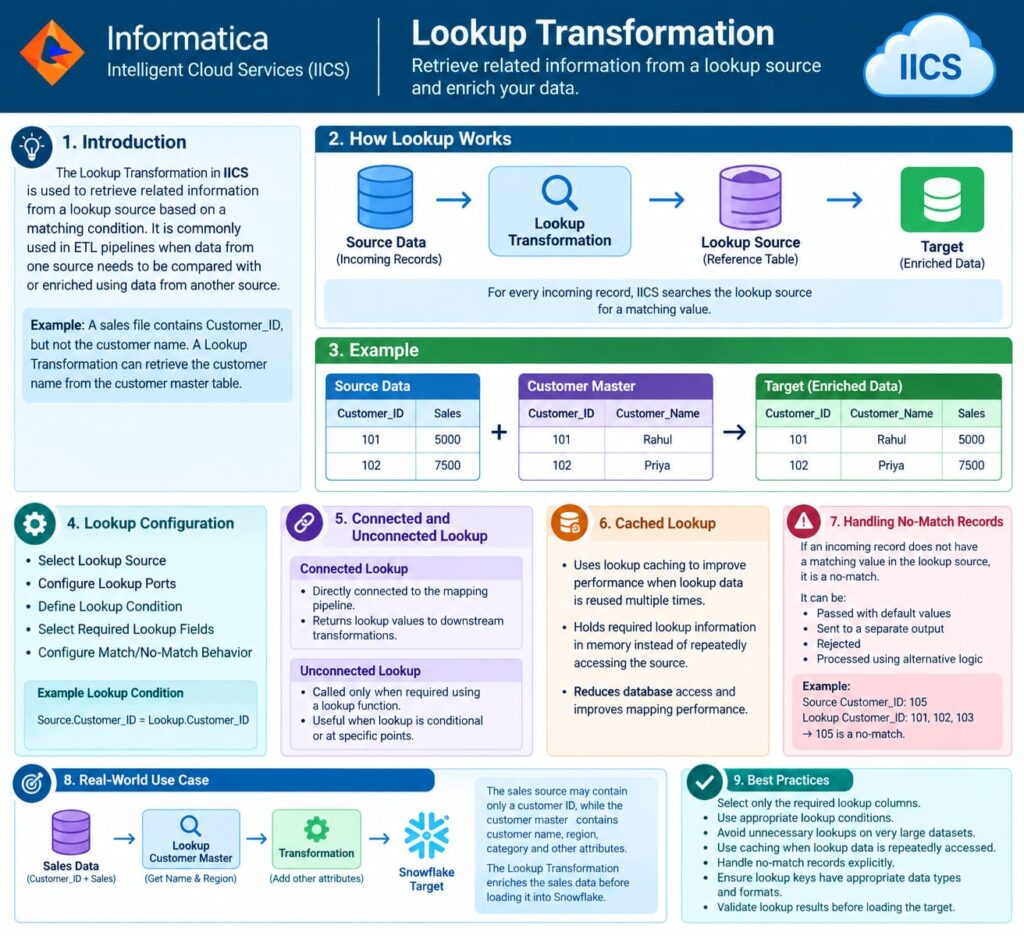
Lookup Transformation in IICS
Learn how to use Lookup Transformation in IICS for data enrichment, reference matching, caching, no-match handling, and efficient ETL pipeline development.
Learn how to use Lookup Transformation in IICS for data enrichment, reference matching, caching, no-match handling, and efficient ETL pipeline development.
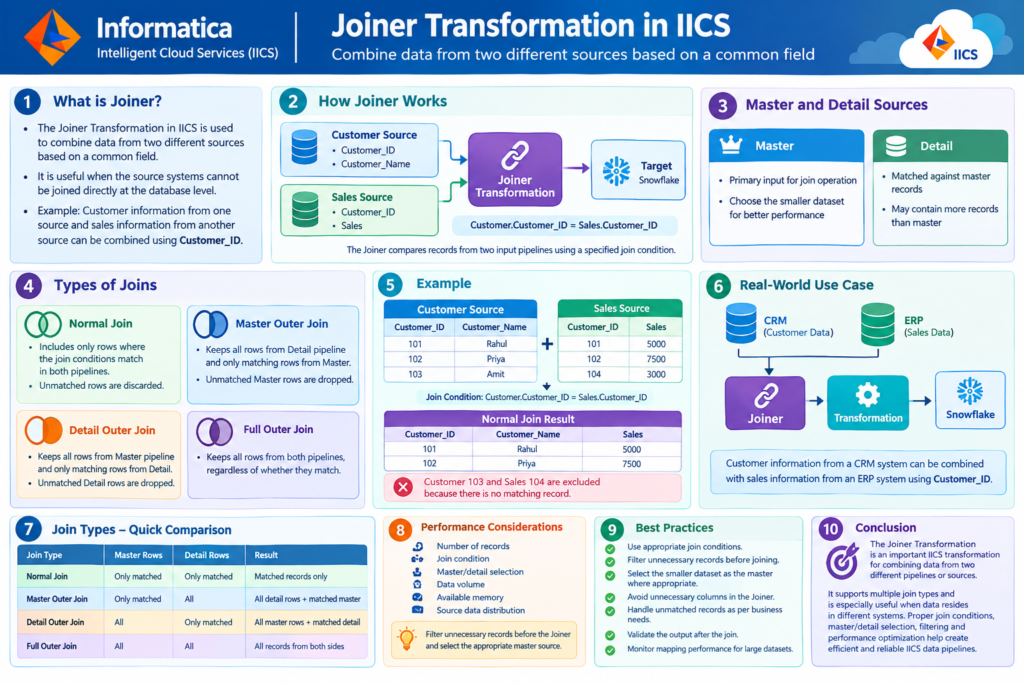
Learn how the Joiner Transformation in IICS combines data from two different sources using common fields. This guide covers master and detail sources, join types, examples, performance considerations, and best practices for building efficient ETL pipelines.
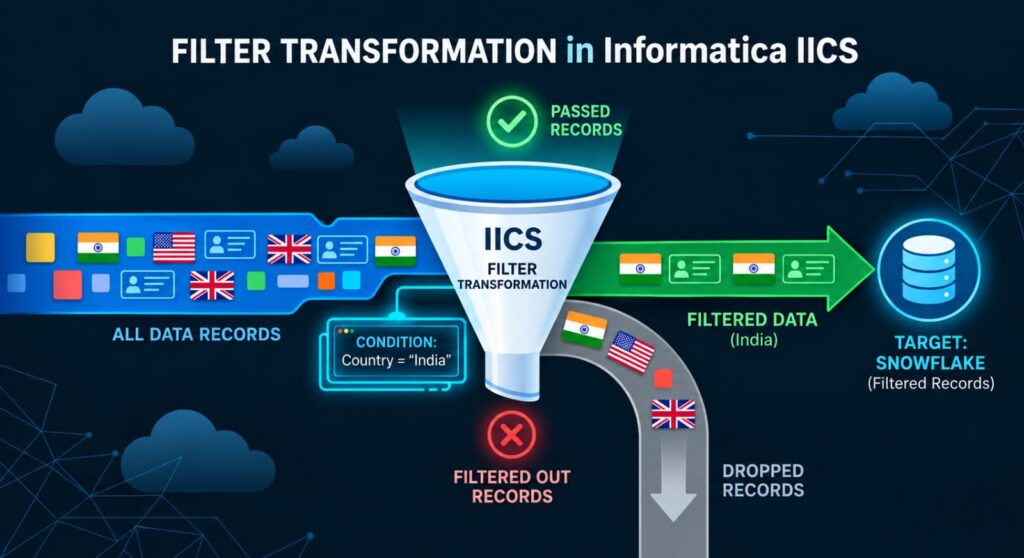
Learn how the Filter Transformation in IICS filters records based on specified conditions, with examples, multiple conditions, real-world use cases, and best practices for efficient ETL pipelines.
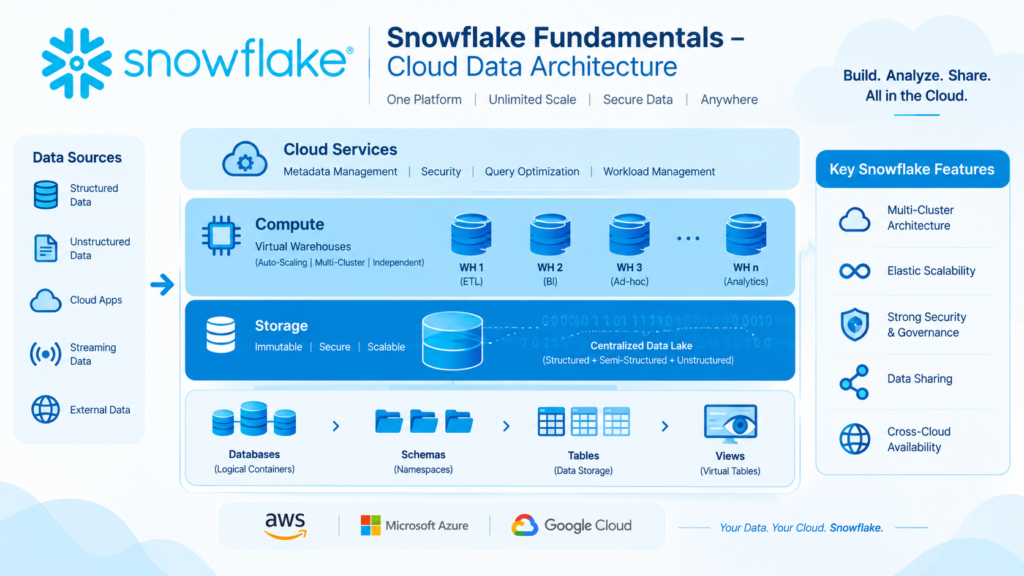
Explore Snowflake Fundamentals, covering multi-cluster architecture, editions and features, object hierarchy, databases and schemas, and table and view types. This guide provides a clear overview of Snowflake’s cloud data architecture and core concepts.
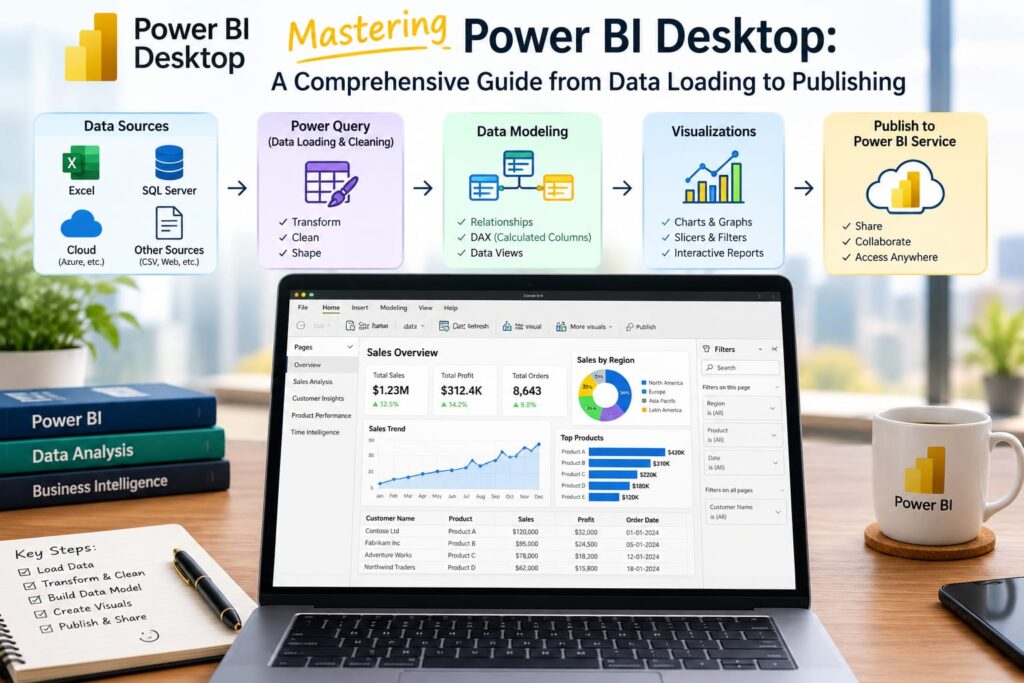
Learn the complete Power BI Desktop workflow, from connecting and transforming data to data modeling, visualization, publishing, and collaboration.
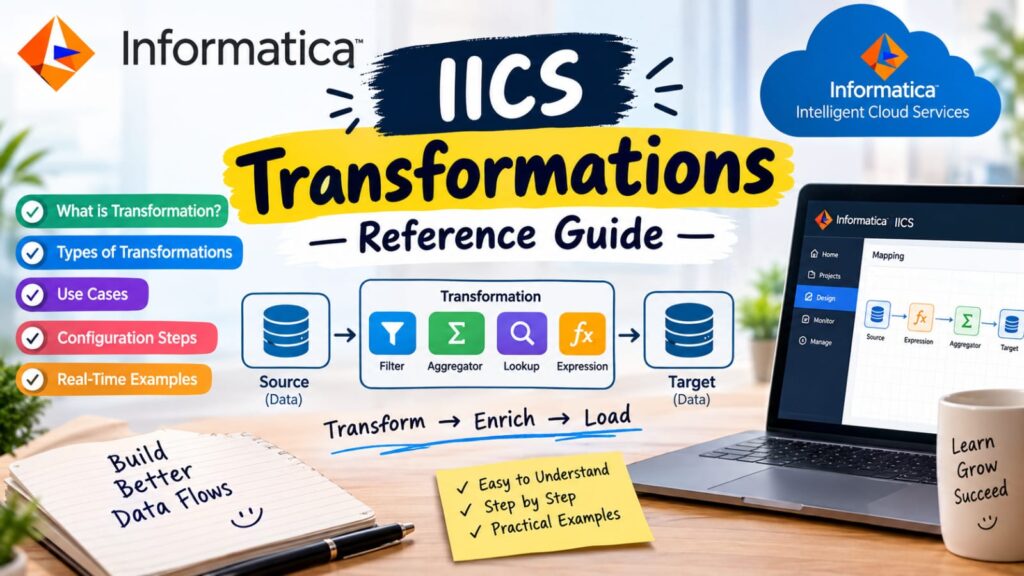
IICS Transformations Reference Guide covering Aggregator, Router, Expression, Sequence Generator, and Update Strategy transformations.

Learn how to create dynamic report titles in Power BI using DAX. This guide explains how to display titles that automatically update based on slicer selections, providing clear context for the data being analyzed.

n modern Business Intelligence, dashboard real estate is a premium commodity. Presenting multiple complex visuals on a single page often
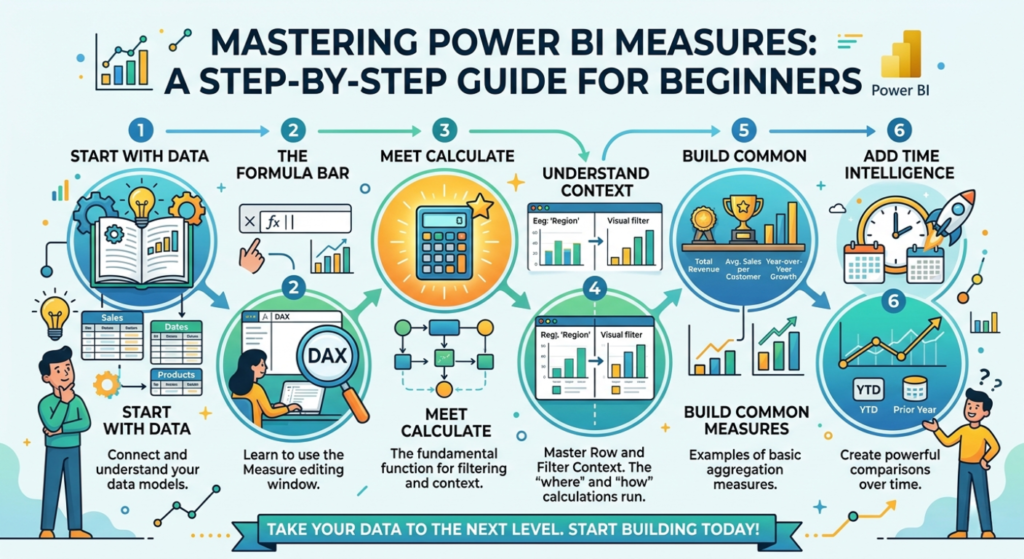
Learn how to create and use Power BI Measures with DAX, apply dynamic calculations, format KPI cards, and build professional interactive dashboards.