
How to Create ADLS Gen2 in Azure Data Factory
Learn how to create an Azure Data Lake Storage Gen2 (ADLS Gen2) account and prepare it for integration with Azure Data Factory.
Learn how to create an Azure Data Lake Storage Gen2 (ADLS Gen2) account and prepare it for integration with Azure Data Factory.
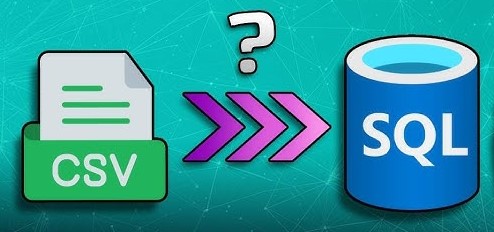
Azure Data Factory (ADF) makes it easy to copy data from a CSV file in Blob Storage to a table in Azure SQL Database.
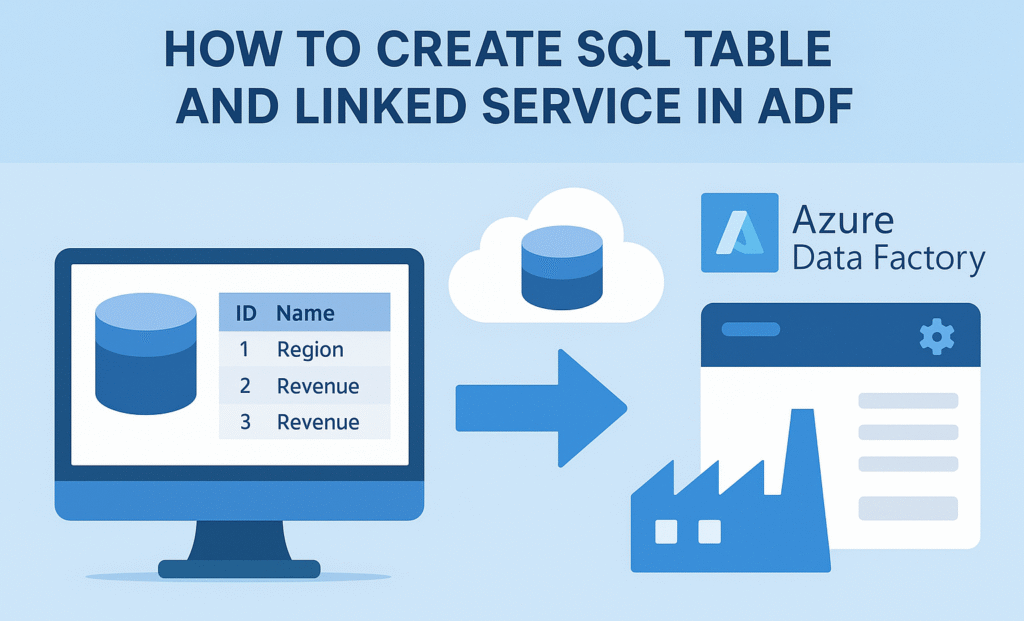
Learn how to create a SQL table and set up a linked service in Azure Data Factory, enabling seamless data integration and workflow automation.
Step-by-step guide to creating a secure and scalable Azure SQL Database in the Azure Portal—set up your database, server, and compute options in minutes.
NoSQL databases like MongoDB, Cassandra, Redis and CouchDB offer flexible, scalable solutions for handling diverse and complex data, making them ideal for modern applications and real-time data needs.
Learn how to quickly install and set up WAMP Server on Windows to run PHP, manage MySQL databases, and develop websites locally.
InnoDB vs MyISAM: InnoDB offers transactions, row-level locking, and crash recovery, while MyISAM is faster for read-heavy workloads.
Dynamic datasets in ADF remove the dependency on static file paths and instead pass parameter values during pipeline execution. This improves reusability and makes it easier to automate data flows.
A retail data project with ADF, ADLS and Azure SQL enables businesses to harness this data effectively, transforming raw transactions into actionable insights that drive growth and efficiency.