
Difference Between InnoDB and MyISAM in MySQL
InnoDB vs MyISAM: InnoDB offers transactions, row-level locking, and crash recovery, while MyISAM is faster for read-heavy workloads.
InnoDB vs MyISAM: InnoDB offers transactions, row-level locking, and crash recovery, while MyISAM is faster for read-heavy workloads.
Dynamic datasets in ADF remove the dependency on static file paths and instead pass parameter values during pipeline execution. This improves reusability and makes it easier to automate data flows.
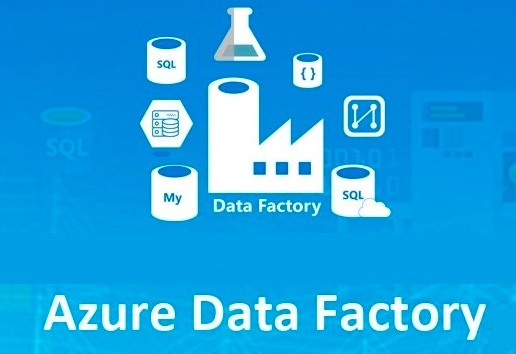
A retail data project with ADF, ADLS and Azure SQL enables businesses to harness this data effectively, transforming raw transactions into actionable insights that drive growth and efficiency.
Automating data workflows is essential for efficient data integration, and Azure Data Factory (ADF) makes this possible through the use of triggers.
A pipeline in Azure Data Factory is a logical grouping of activities that perform a specific workflow. It orchestrates the movement and transformation of data across various sources and destinations.
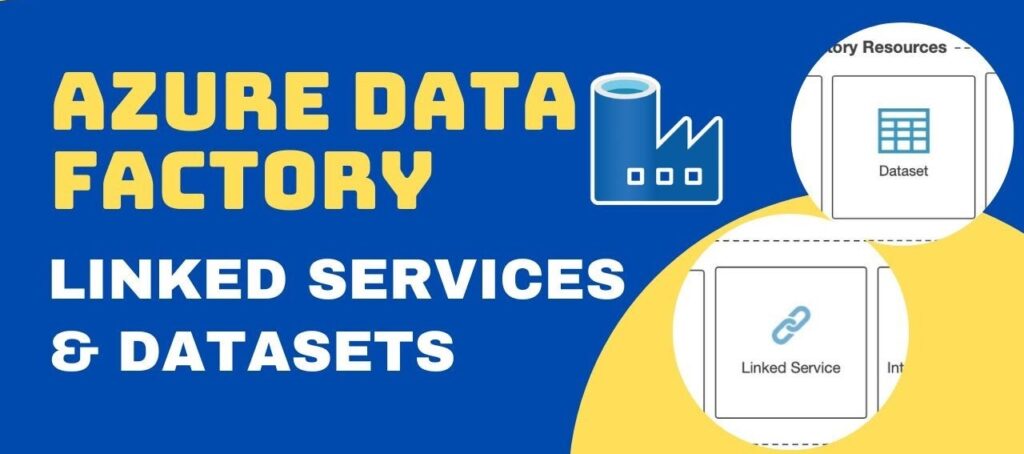
In Azure Data Factory, Linked Services define the connections to external data sources,
while Datasets represent the structured data (files or tables) used in activities.

Azure Data Factory (ADF) relies on Azure Blob Storage as a core component for managing data pipelines—from ingesting raw files to storing processed outputs.
Azure Data Factory (ADF) is Microsoft Azure’s cloud-based data integration service, empowering you to build data workflows for orchestrating and automating data movement and transformation.

Microsoft SQL Server (MS SQL) is a leading relational database management system (RDBMS) widely adopted. It is essential for building a robust and reliable database infrastructure.