How to Create a Schedule Trigger and Tumbling Window Trigger in ADF
Automating data workflows is essential for efficient data integration, and Azure Data Factory (ADF) makes this possible through the use of triggers.
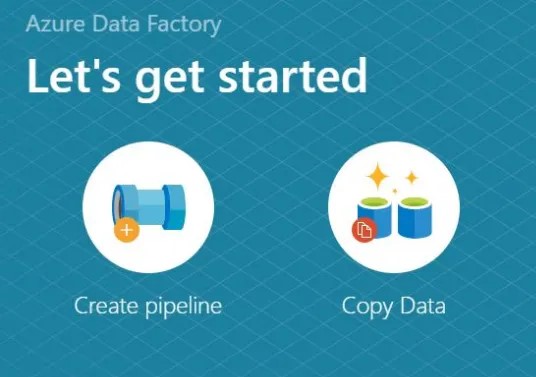
A pipeline in Azure Data Factory is a logical grouping of activities that perform a specific workflow. It orchestrates the movement and transformation of data across various sources and destinations.
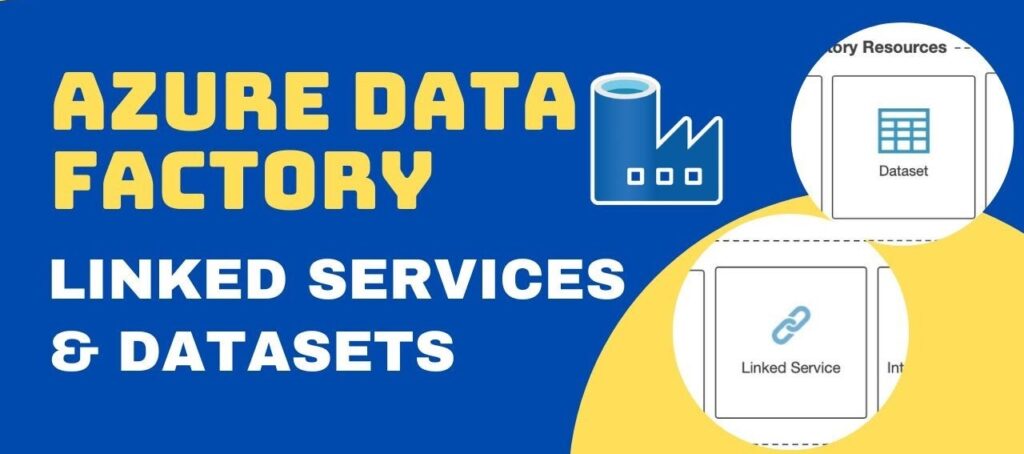
In Azure Data Factory, Linked Services define the connections to external data sources,
while Datasets represent the structured data (files or tables) used in activities.
Azure Data Factory (ADF) relies on Azure Blob Storage as a core component for managing data pipelines—from ingesting raw files to storing processed outputs.
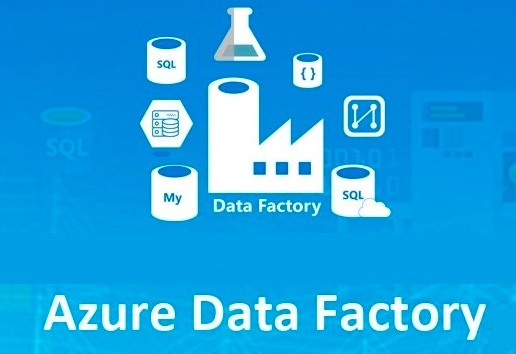
Azure Data Factory (ADF) is Microsoft Azure’s cloud-based data integration service, empowering you to build data workflows for orchestrating and automating data movement and transformation.
Microsoft SQL Server (MS SQL) is a leading relational database management system (RDBMS) widely adopted. It is essential for building a robust and reliable database infrastructure.
MySQL is a highly popular open-source relational database management system (RDBMS) widely used for web development, software applications, and robust data storage solutions
SQL Joins let you combine related data from multiple tables using shared columns, making your queries more efficient and accurate.
Microsoft SQL Server (MS-SQL) and MySQL are among the most widely used systems today. Understanding these differences will help you write more portable SQL queries.